Notifications
Each time an event occurs in the system and a webhook is active and configured to receive the event, a notification is created and delivered.
In the Integrations -> Webhooks -> History menu, you can track notifications and request details.
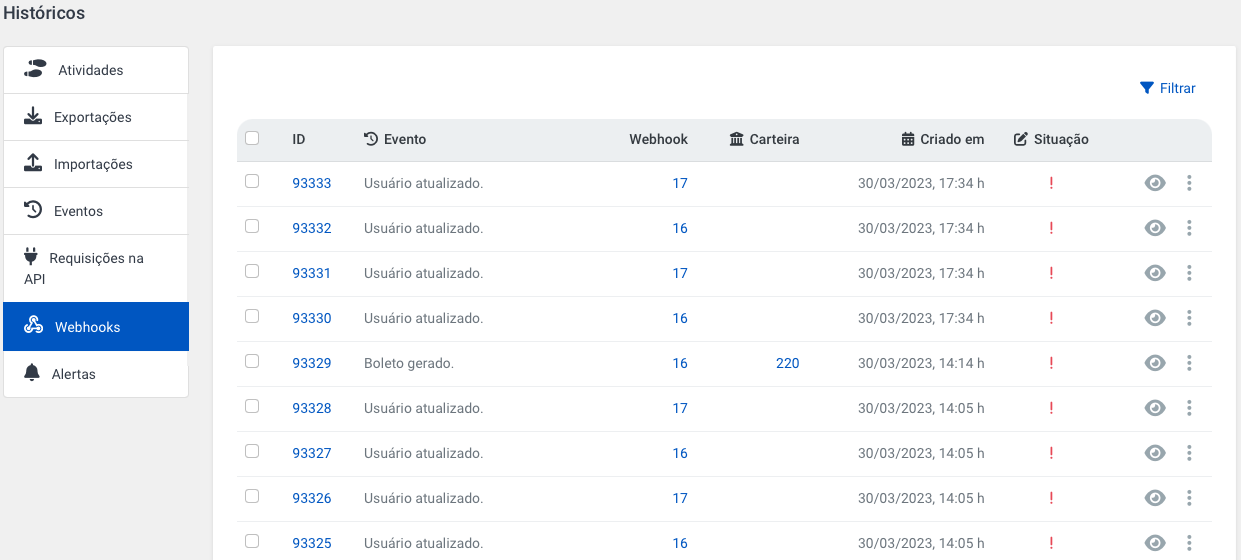
This area is very useful for inspecting what happened in each case.
You will find the responses we received from your server in case of success or failures.
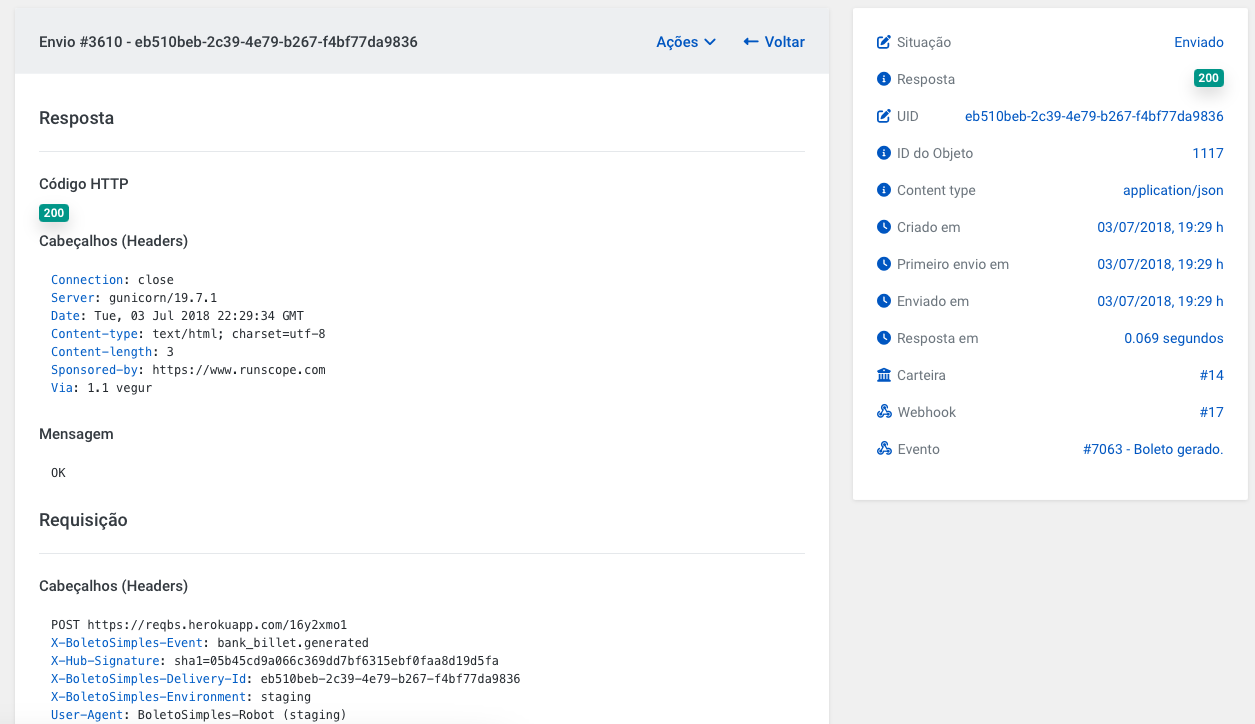
Resending Notification
If your system gave an error and you wish to receive the notification again, you can resend it through this area using the Actions menu.
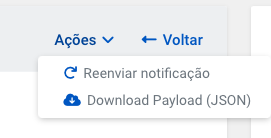
When you resend the notification, the request and response information, as well as duration are overwritten.
At the time of resend, the current webhook settings are used, i.e., if the webhook address changed between the time the notification was created and when it is being resent, the new address will be used in the resend.
It is important to note that this is not a common operation and should only be used while developing an integration.