Postman
Postman collection to test the API
If you prefer to use Postman, you can use the collections we've prepared there.
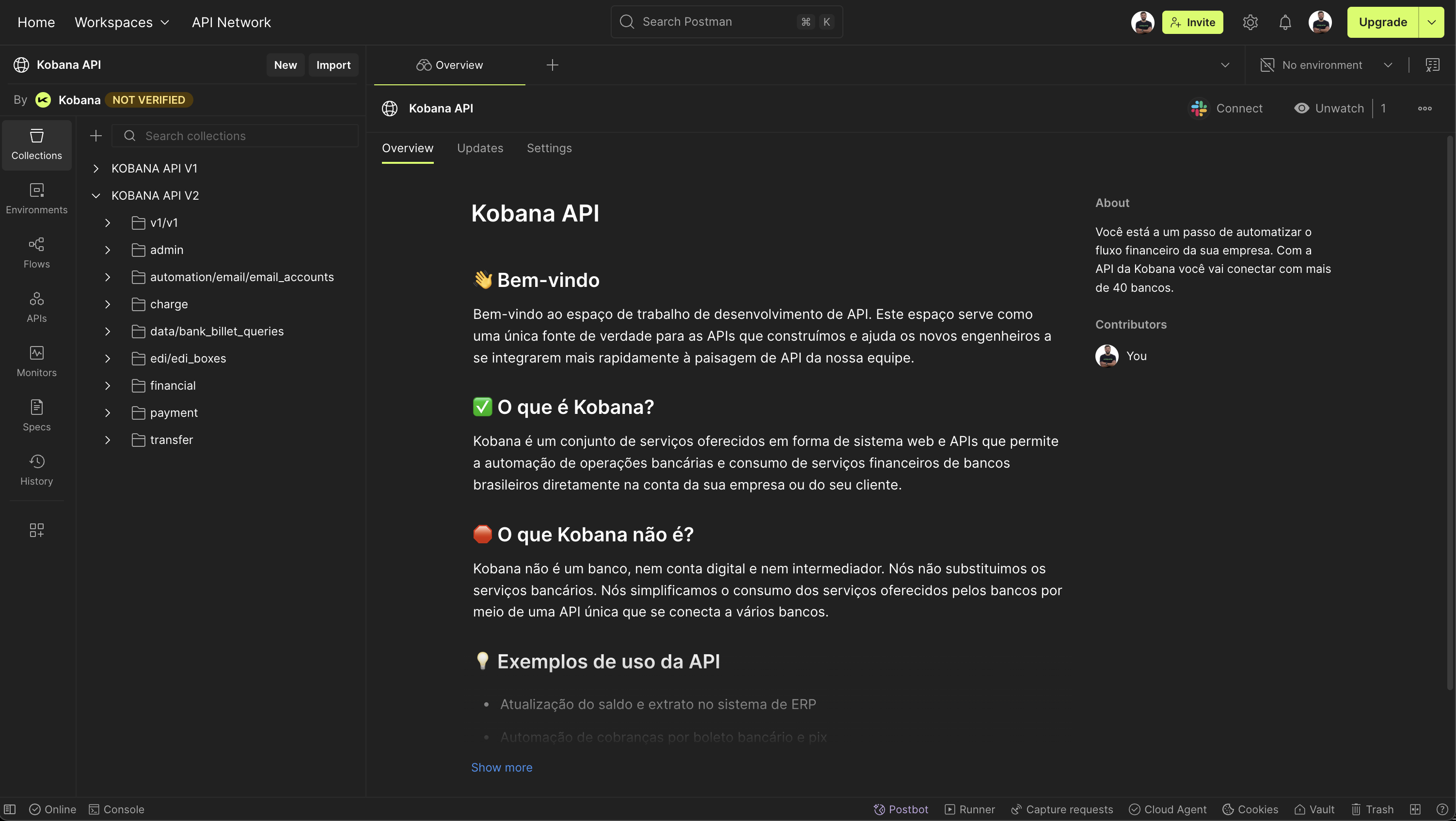
Team
Workspace
Collections
| Collection | Address |
|---|---|
| KOBANA API v1.0 | https://www.postman.com/universokobana/kobana-api/collection/lebcq32/kobana-api-v1-0 |
| KOBANA API v2.0 | https://www.postman.com/universokobana/kobana-api/collection/sfql4s0/kobana-api-v2-0 |
Using
-
Go to Environments and select the environment you want to connect to
-
Set the type of the
tokenvariable tosecret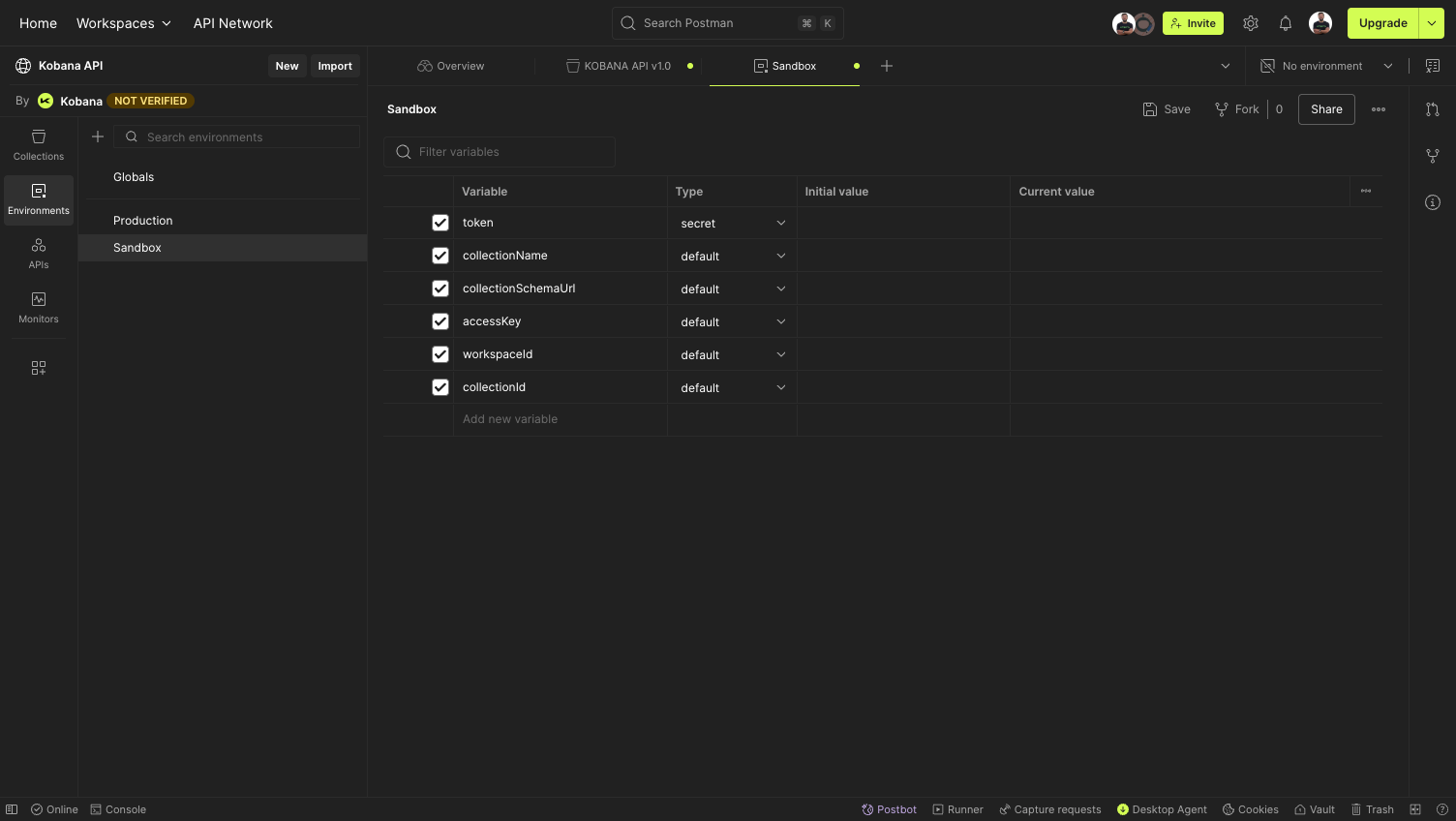
-
Get the Kobana token from Integrations > Kobana API > API Token
-
Save the token in the
Current valuefield. ClickSave(or press CRTL + S) -
Go to
Collections > KOBANA API v1.0and click on theAuthorizationtab -
Select the environment where you saved the token in the top right corner, where it says
No environment. -
Select
Bearer Tokenand fill in the Token field with the value{{token}}. ClickSave(or press CRTL + S) -
Go to
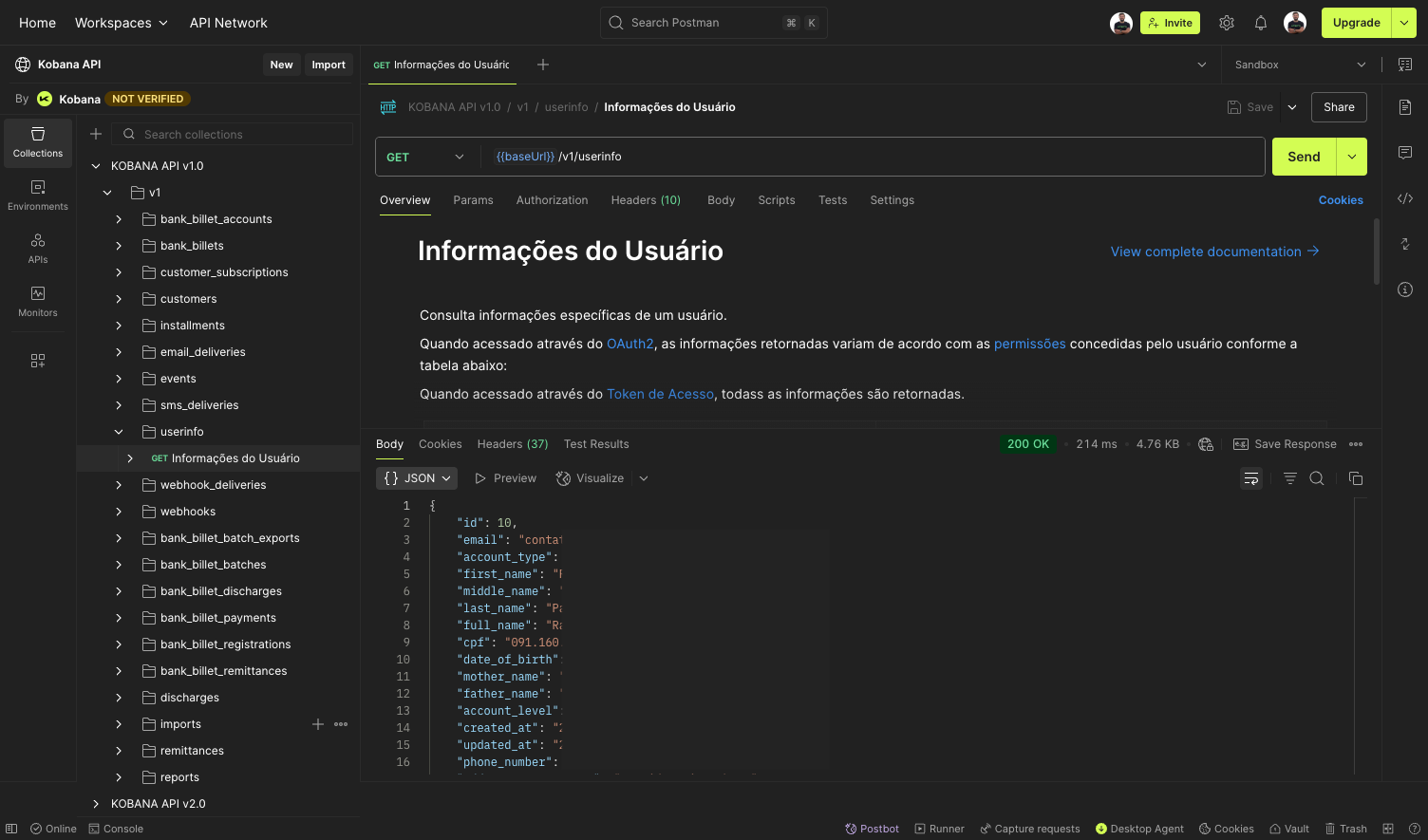
v1/userinfo→ User Information -
Click
Sendand you will see your user information in the response of the call.